NEMT (Non-Emergency Medical Transport) Insurance Application
Quick Answer
Continue your saved NEMT application with operations, coverage, vehicle, driver and document details. Submit the information available for Casurance review.
Bring your NEMT operation into focus. Add the vehicle, driver, service and contract details available today so Casurance can review the submission and identify what is still needed.
Complete the details of your application
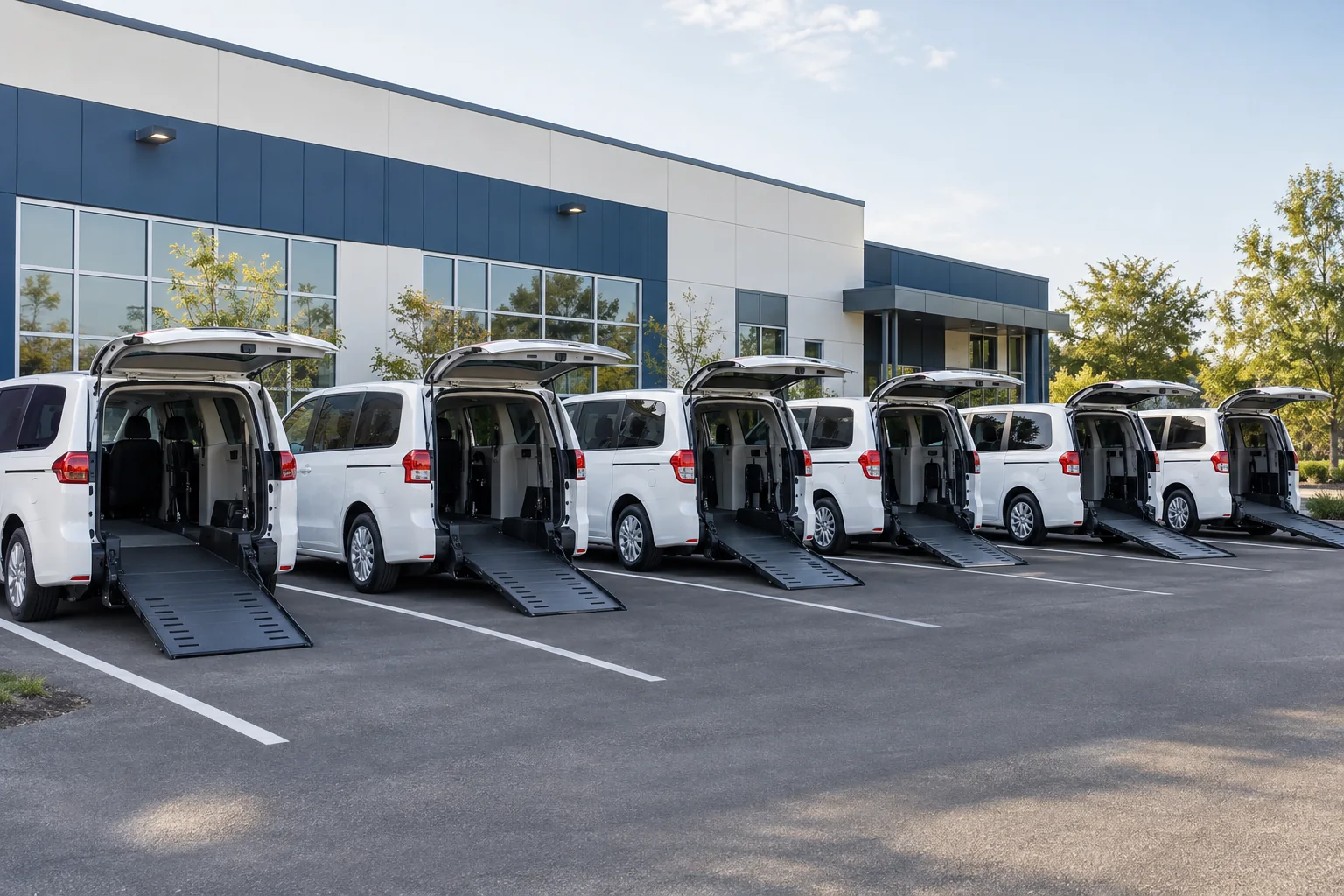
Use this application for a single wheelchair van, a small gurney or stretcher fleet, or a large paratransit company. Describe the complete schedule and upload fleet documents where available rather than reducing a mixed operation to one vehicle type.
Start or Continue My Application · 1-888-254-0089
Two-step request: save business and contact details, then add operations, coverages, vehicles, drivers and documents.
Who should complete this submission
This form supports wheelchair-accessible and paratransit operators, dialysis and senior transportation businesses, ambulette and non-emergency stretcher services, and Medicaid, Medi-Cal, managed-care or facility contractors. Identify ambulatory work, attendants, private-pay services and any other transportation activity. Clinical or emergency operations need explicit disclosure.
Business and operation details
Confirm the legal business name, contact person, garaging locations and service states. Add operating history, revenue, payroll, radius, trip purchasers and assistance duties. Provide NPI, USDOT, MC, TCP or other permit information only where applicable to your business. A blank optional field is better than an invented registration number.
Coverage selections and certificate instructions
Tell us which lines to consider: commercial auto, physical damage, GL, PL, SAM, workers’ compensation and umbrella or excess. Include hired/non-owned auto, uninsured/underinsured motorists, available medical payments, cyber, property, crime or equipment needs in the supporting details. Attach MTM Health, Modivcare, medical-facility or agency exhibits with requested limits, endorsements and recipient names.
Upload instead of retyping schedules
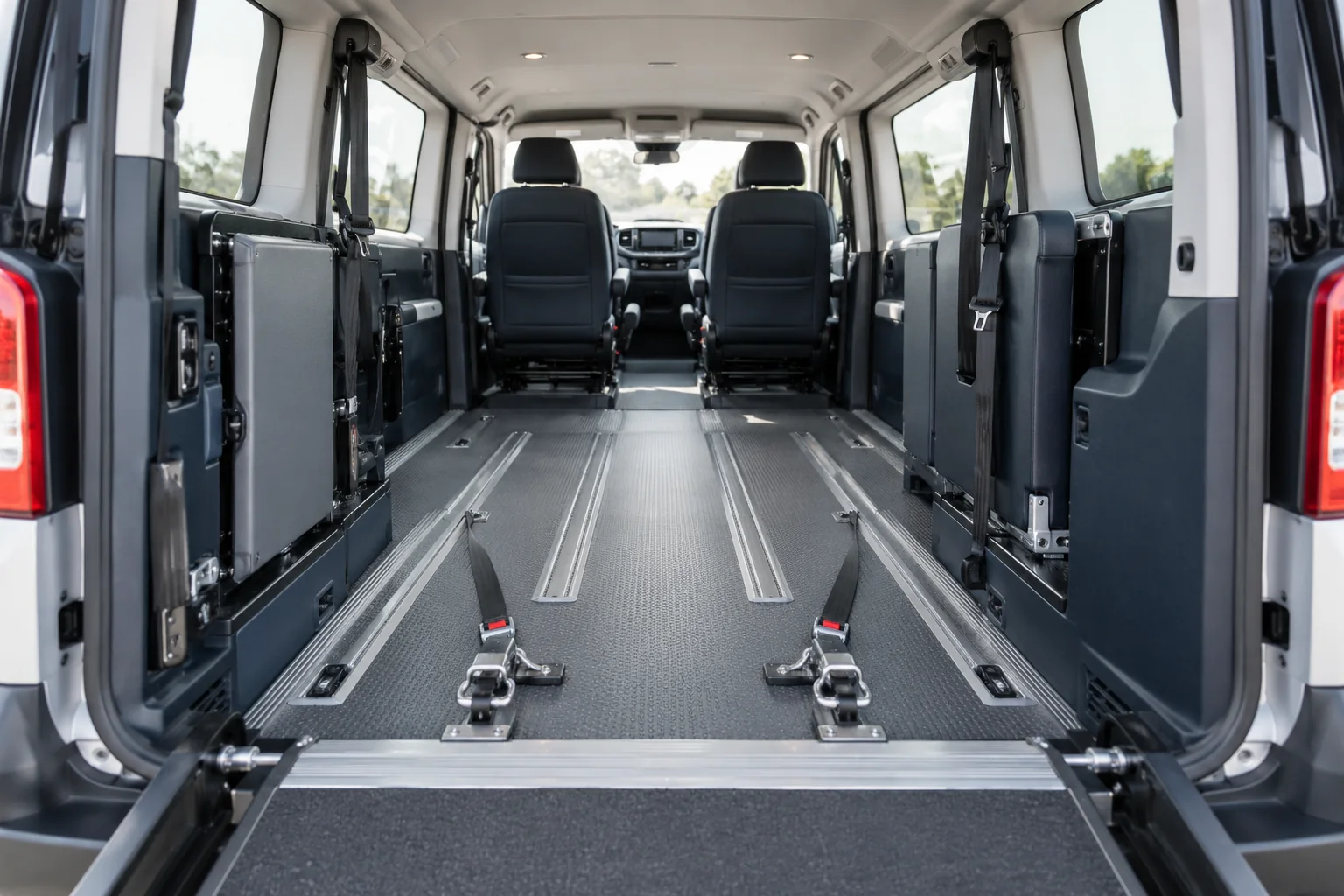
Add current declarations, available three-to-five-year loss runs, vehicle schedules with VINs and values, driver schedules and contract requirements. Accepted document uploads stay with the submission for review. Check any imported details before submitting, especially conversion values, seating and wheelchair positions. Upload relevant business records and avoid unnecessary passenger medical information.
How to describe a mixed service area
Illustrative submission: a San Francisco operator garages vehicles outside the city but serves rehabilitation appointments and hospital discharges inside it. List both the garaging address and actual operating territory, plus high-roof clearance and loading arrangements. Do the same for out-of-state trips so the reviewer can distinguish a home address from the fleet’s exposure.
What happens when you send the application
Complete required fields and submit the information you have. Casurance can review optional gaps and contact you about underwriting documents or proposed terms. Submitting does not bind coverage, approve a transportation contract or confirm a policy effective date. Keep the saved reference for follow-up and tell the team if a contract deadline or vehicle delivery date changes.

Questions about complete the details of your application
Must every optional application section be finished?
No. Complete the required fields, supply available details and upload supporting records. The team may request additional information before a carrier can quote or bind.
Can the team review the broker’s exact wording?
Yes. Attach the complete insurance exhibit and certificate instructions, and identify the contracting entity and deadline. Endorsement requests remain subject to carrier approval.
What if I have an older saved NEMT application?
The existing application remains available for earlier submissions. If your saved information is incomplete, use the contact number with your reference so the team can help you continue.